Password Managers vs Passkeys: Do You Still Need Both?

Password managers made strong passwords easy, but they can't fix the one flaw passkeys eliminate: a shared secret you can be tricked into handing over. Here's an honest take on running both during the transition.

I broke my own phone screen the week we shipped Paswad's first passkey flow. Walked off a curb, looked down at the phone instead of the traffic, and the universe corrected me with a face-down landing on concrete. For about ninety terrifying seconds, standing there holding a spiderwebbed slab, I genuinely thought: wait, is all my login stuff gone? It wasn't, and we'll get to why in a minute. But that little jolt of panic is exactly the question I get asked most by people who've started moving to passkeys. They've spent a decade being told a password manager is the responsible-adult choice, and now I'm telling them about a new thing. So which is it? Do you ditch the manager? Do you run both? Let me be fair about this, because password managers earned a lot of goodwill and I'm not here to spit on them.
What a password manager actually solves
Let's give the manager its due, because it solved a real and brutal problem. Humans are catastrophically bad at inventing and remembering dozens of unique, high-entropy strings. So we didn't. We picked one decent password and smeared it across forty sites, which meant one breach anywhere became a breach everywhere. A password manager broke that chain. It generates a long random horror like 9$kvT2!mQ#pLw8 for every single site, remembers it so you don't have to, and autofills it on demand. Suddenly unique passwords stopped being a fantasy for disciplined weirdos and became the default for normal people. That was a genuine leap, and for fifteen years it was the single best thing you could do for your account security short of nothing.
The manager also quietly did some other useful chores. It warned you when a password showed up in a breach dump. It nagged you about reuse. It synced across your devices so the password you set on your laptop showed up on your phone. Good password managers are, honestly, lovely pieces of software built by people who care. I want that on the record before I start poking holes, because the holes aren't the fault of the manager. They're the fault of the thing the manager is managing.
The thing a password manager can't fix
Here's the uncomfortable bit. A password manager makes your passwords stronger, but it does absolutely nothing about the fact that a password is a shared secret you can be tricked into handing over. That's the original sin, and no amount of length or randomness washes it off. Phishing doesn't care that your password is fourteen characters of line noise. It just needs you to type those fourteen characters into a box on the wrong website. And a beautiful, convincing fake login page is cheaper to build than ever — these days you can clone one in an afternoon.
Worse, a password manager can actually lull you into autopiloting straight into the trap. You see a login form, your brain expects the autofill, you click, you approve. The good managers fight this by matching on the exact domain, which is a real defense and I respect it. But people override it. They copy-paste. They click "fill anyway" on the lookalike domain because they're tired and the page looks right. The secret is still extractable from the human, and the human is still the soft target. You've built a magnificent vault and then taught yourself to hand the contents to anyone who asks in the right uniform.

How passkeys are a different shape entirely
Passkeys don't make the secret stronger. They get rid of the shared secret. There's nothing to autofill into a box, because there's no string that represents your login. Instead your device holds a private key it never reveals, and logging in means your device signs a one-time challenge from the site and proves you're you without sending anything reusable across the wire. The part that matters for this whole comparison: the signature is cryptographically bound to the real website's address. Your phone literally will not produce a valid signature for a lookalike domain, because the domain is baked into the math. You can be the most gullible person on earth, click every link in every "your account is suspended" email, and the passkey still won't fire on the fake site. It's not that you're protected because you're careful. You're protected because the careful-versus-careless axis stopped existing.
That's the difference I wish I could tattoo on the inside of everyone's eyelids. A password manager defends a fundamentally phishable secret really well. A passkey replaces the secret with something that can't be phished at all, because there's nothing to phish. One is a stronger lock on a door that can still be talked open. The other is a door that doesn't have a handle on the outside. I built Paswad around the second model precisely because the first one always ends the same way — with a human, tired at 11pm, typing a perfect password into a perfect fake.
A password manager makes your secret stronger. A passkey makes the secret disappear. You can't phish a thing that was never shared in the first place.
So do you still need both? For now, honestly, yeah
Here's where I'll resist the founder urge to tell you to throw your password manager in the sea. Don't. Not yet. The web is mid-transition, and it's a messy one. Loads of sites still don't support passkeys at all, and some that do bury the option three menus deep or only offer it as a second factor rather than a real login. Your bank might be all-in while your gas company's website looks like it was last updated when ringtones were a business. Until every account you care about offers passkeys, you'll have a long tail of password-only logins, and those still need to be long, unique, and managed. That's the manager's job, and it's still good at it.
So my honest, non-salesy take is a hybrid. Move your most important and most-targeted accounts to passkeys the moment they offer it — email first, because email is the skeleton key to everything else, then your bank, then anything with your money or your identity in it. Let the password manager keep custody of the long tail of legacy sites that haven't caught up. Conveniently, the lines are blurring anyway: most modern password managers now store passkeys too, so the same app becomes your bridge across the transition instead of two competing tools. Use the manager for what's still a password and the passkey for what isn't, and let the share of "isn't" grow every year.
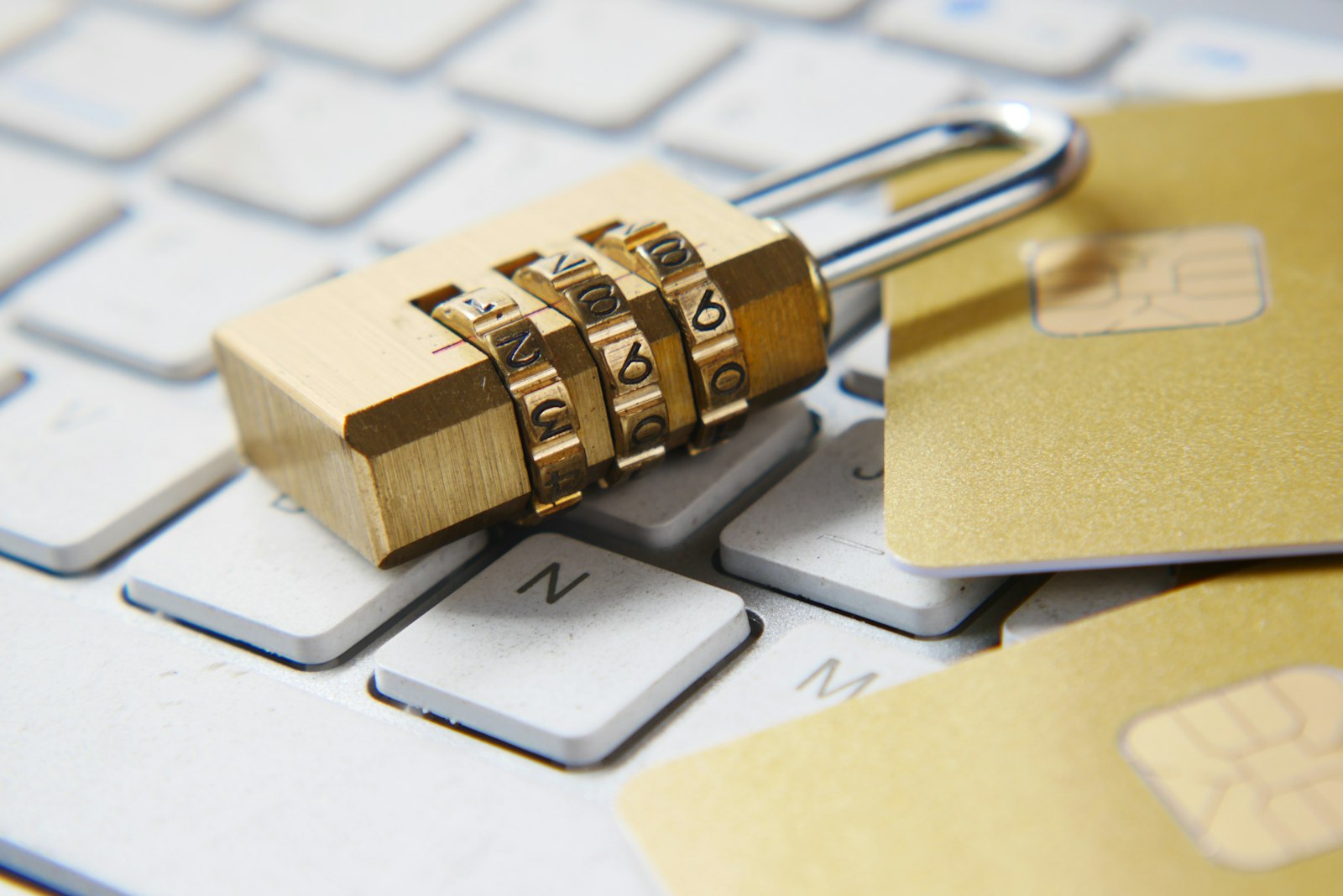
The endgame, though, is clear, and I say this as someone who stares at login telemetry for a living. Password managers were a brilliant prosthetic for a broken limb. They let us limp along with shared secrets for far longer than we should have, and they did it gracefully. But you don't keep the crutch forever once the leg heals. As passkey support spreads, the amount of stuff your manager is managing shrinks, until one day you realize the only things left in there are a couple of ancient accounts you should probably just close. That day is further off than the hype claims and closer than the skeptics think. Run both now, with your eyes open about why, and let the password half quietly wither.
Frequently asked questions
Can I store passkeys in my password manager?
Increasingly, yes. Most major password managers — 1Password, Bitwarden, Dashlane and others — now create, store, and sync passkeys alongside your passwords. That actually makes them a great transition tool, since the same app handles both your legacy passwords and your shiny new passkeys in one place across your devices.
If passkeys are better, why not delete my password manager today?
Because the web isn't ready yet. Plenty of sites still only support passwords, and some that "support" passkeys only do so as a secondary factor. Until your important accounts all offer real passkey login, you'll keep a tail of password-only logins, and those still deserve unique, managed passwords. Keep the manager until that tail runs out.
Does a password manager protect me from phishing?
Partially. A good manager matches the exact domain and won't autofill on a lookalike site, which is a real defense. But people override that by copy-pasting or clicking "fill anyway," and the underlying password is still a shared secret you can be tricked into handing over. Passkeys remove that risk entirely because the login is bound to the real site's address by the cryptography itself.
Which accounts should I switch to passkeys first?
Start with your email, since it's the reset link for everything else and the juiciest target. Then your bank and anything tied to your money or identity. Work down from there as sites add support. The accounts an attacker would most want are exactly the ones worth moving off phishable passwords first.
I got my phone screen replaced, by the way. The passkeys were fine — they synced back the second I signed into the new device, which is a whole other article. The password manager came back too, dutifully, with its hoard of ancient logins I keep meaning to clean out. Both tools, side by side, doing the job each is actually good at. That's where we are right now, and there's no shame in it. Just don't mistake the crutch for the cure.